SSH

Using SSH Tunneling to Regain Proxmox Access

Intro Recently I made a mistake in my firewall rules and locked myself out from having management access to my Proxmox cluster. What’s worse is that I could not get into the nodes via SSH because that was blocked as well. This meant I had no easy way to disable these rules, and unfortunately Proxmox lives in a data center very far away from me. This is where SSH tunneling came in handy for me! ...

April 26, 2026
PVE Firewall Status

Enabling Proxmox Firewall Rules for VMs

Intro In my homelab I’ve been tediously managing firewall rules using ufw, iptables, and fail2ban. While this works well, I believe it’s overly complicated for my setup. This led me down the rabbit hole of how to implement firewall rules in Proxmox. Proxmox’s firewall is extremely competent, but it can be tricky as well. One thing I learned about Proxmox is that you need to make sure the firewall is enabled in multiple places. You have several layers of firewalling, one for the hosts, one for the VMs, and one for services running in VNETs. These firewall rules are backed by either iptables or the more modern nftables in the case of VNETs. ...

April 26, 2026
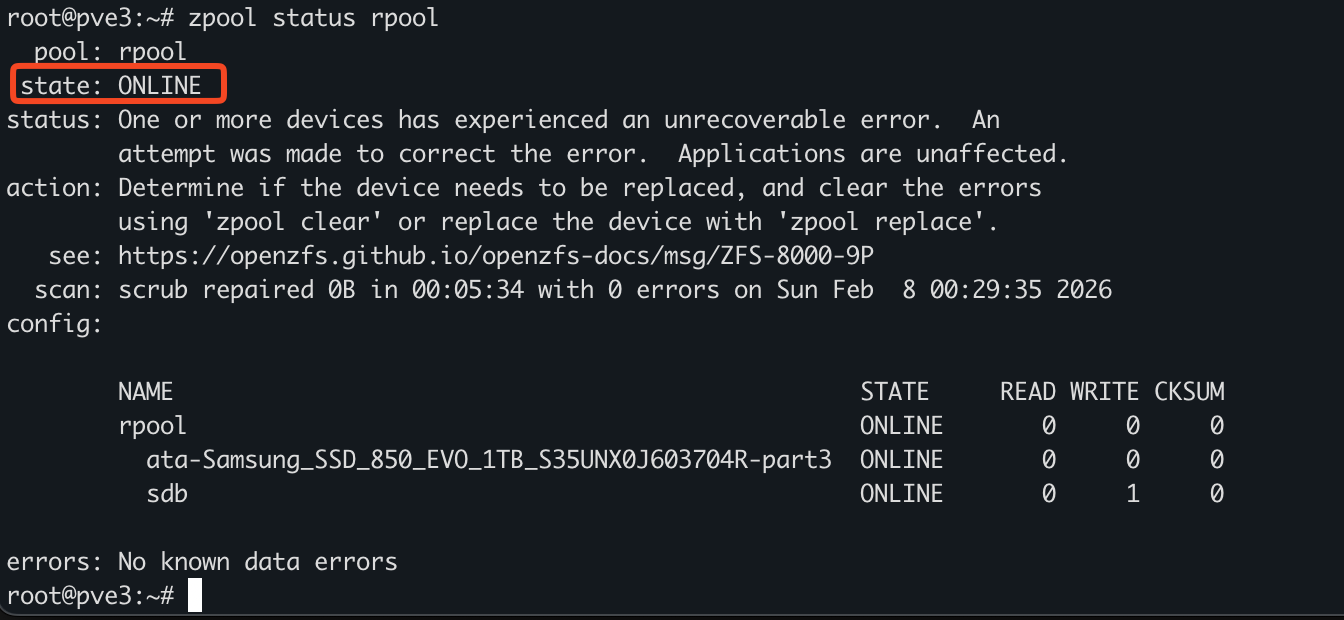
ZPOOL

ZFS Commands

Abstract Dedicated to ZFS administration. Zpool Administration Basic Commands zpool list zpool list <name> zpool list -v zroot zpool status -x Creating Pools and VDEVs Make sure ashift is 4k, vfs.zfs.min_auto_ashift=12 Select disks (da1, da2, da3) ls -al /dev/ | grep da crw-r----- 1 root operator 0x5a Nov 14 02:51 da0 crw-r----- 1 root operator 0x5b Nov 14 02:51 da0p1 crw-r----- 1 root operator 0x5c Nov 14 02:51 da0p2 crw-r----- 1 root operator 0x5d Nov 14 02:51 da0p3 crw-r----- 1 root operator 0x6a Nov 15 18:46 da1 crw-r----- 1 root operator 0x6d Nov 15 18:46 da2 crw-r----- 1 root operator 0x70 Nov 15 18:46 da3 We can create a disk, provide it 1gb of swap, and label it. The labels should correspond to device serial numbers and location in production so it’s easy to swap out. GB swap partition and a large ZFS partition, created with gpart(8). gpart create -s gpt da1 gpart add -a 1m -s1g -l sw1 -t freebsd-swap da1 gpart add -a 1m -l zfs1 -t freebsd-zfs da1 gpart create -s gpt da2 gpart add -a 1m -s1g -l sw2 -t freebsd-swap da2 gpart add -a 1m -l zfs2 -t freebsd-zfs da2 gpart create -s gpt da3 gpart add -a 1m -s1g -l sw3 -t freebsd-swap da3 gpart add -a 1m -l zfs3 -t freebsd-zfs da3 gpart create -s gpt da4 gpart add -a 1m -s1g -l sw4 -t freebsd-swap da4 gpart add -a 1m -l zfs4 -t freebsd-zfs da4 gpart create -s gpt da5 gpart add -a 1m -s1g -l sw5 -t freebsd-swap da5 gpart add -a 1m -l zfs5 -t freebsd-zfs da5 gpart show -l <device> glabel status zpool create <pool-name> /dev/label/zfs1 /dev/label/zfs2 /dev/label/zfs3 Fix Degraded Pool Here we see the state is DEGRADED ...

February 20, 2026
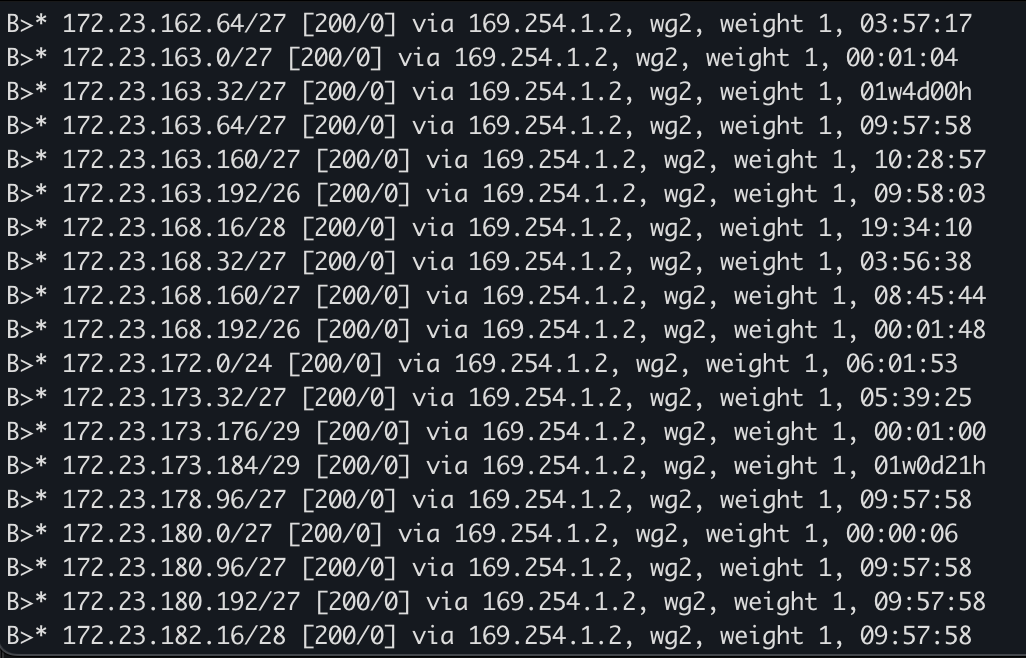
BGP Neighbor

Simulate BGP at Home

Hi everyone, If you’re like me, there are tons of technologies that you work with on a day-to-day basis, but never have the opportunity to touch. In my day-to-day role, for example, I work heavily with networking and even with BGP. But rarely do I have the chance to do anything BGP-related as it pertains to the internet. It’s quite the dilemma! How is one supposed to get the experience of operating large-scale networks, if only very few people have the opportunity to work on them? Let alone set them up from scratch! ...

December 9, 2025
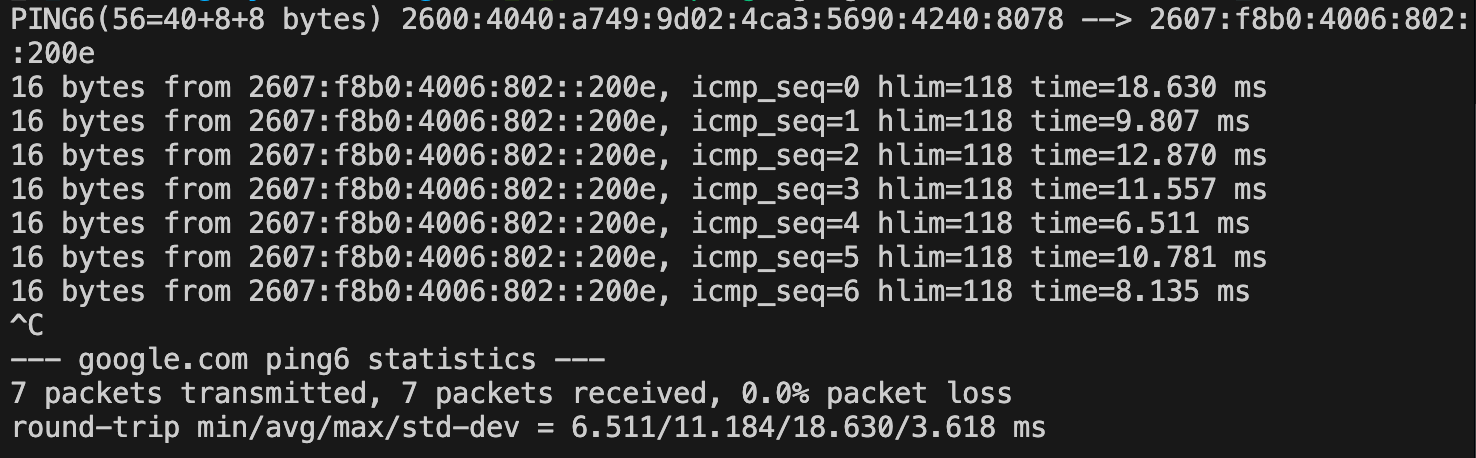
IPv6 Ping

IPv6 at Home

Hi Folks, I’ve finally made the transition to using IPv6 at home! It’s been a long time coming, and while it took a few weeks to get everything working, I’m excited for this new chapter. I requested a /56 from Verizon, and at first, it didn’t seem to work. But after not checking for a while, I noticed some of my VLANs had started handing out IPv6 addresses! ...

July 11, 2025
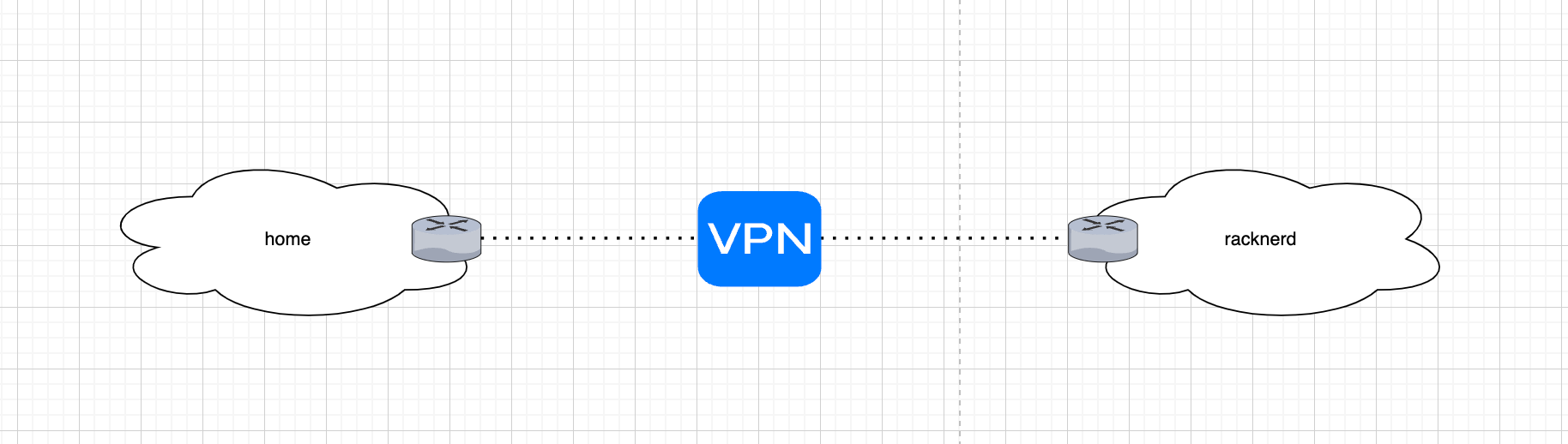
Diagram

Relocating My Homelab

Hey all, I recently decided to purchase a dedicated server from RackNerd with the goal of hosting my homelab services remotely. Previously, I ran a high-availability Proxmox cluster out of my one-bedroom apartment in NYC, powered by a few Dell Optiplex 4090s. A few months ago, I moved into a new place and had to decommission that setup. Since my new setup is remote, it presented a few challenges: How am I going to administer my lab? How can I secure it? What services will I host? ...

April 5, 2025