
Intro
Recently I made a mistake in my firewall rules and locked myself out from having management access to my Proxmox cluster. What’s worse is that I could not get into the nodes via SSH because that was blocked as well.
This meant I had no easy way to disable these rules, and unfortunately Proxmox lives in a data center very far away from me.
This is where SSH tunneling came in handy for me!
Setup
My Proxmox UI and hosts are reachable on a specific network. When I implemented the broken firewall rules it blocked me from accessing the services on that network, which happens to be the only network they are exposed on.
Luckily I still had access to my VMs which share a network segment with Proxmox’s management interface. This meant I could use the VM as a jump host to reach the Proxmox UI.
This was actually very simple. All I did was run the following command below.
ssh -L 8006:x.x.x.x:8006 [email protected]
The command above first tells SSH what the IP and port number of the service you need to proxy is, in this case that is Proxmox’s IP and port number.
The second part is the machine I would be SSHing into to reach this service.
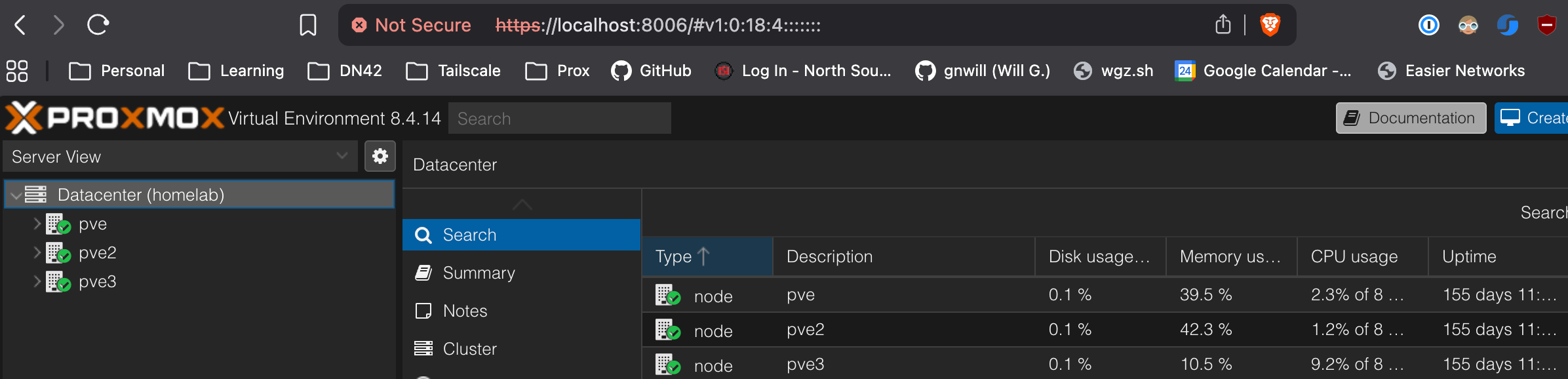
If done correctly, the service should be available on localhost!
Summary
While SSH tunneling might not be the most secure method of accessing your services, it definitely can help you regain access in a pinch!