2026-02-21 BJJ Notes

Focus Today I focused on DLR guard, more specifically some of the moves I saw in Jason Rau’s instructional What Worked I like the no-gi grip from DLR, it helps a lot especially when I can’t get upper body controls The foot stomp on the ground to get to the back while in DLR is nice, it makes it easy to dump people Jason Rau’s baby bolo variation where you pinch your top knee in, then use your bottom foot to hook and make space to bring your top leg in for hooks is a nice touch Your browser does not support the video tag. What Failed People are able to flatten their back and shrimp away Against bigger people it’s hard to even play DLR, I’ll need to learn k-guard Key Lessons No-gi style DLR works really well in the Gi Next Session Plan Keep focusing on DLR back takes, the far leg grab and inversion is still loose Look into k-guard
February 21, 2026
ZPOOL

ZFS Commands

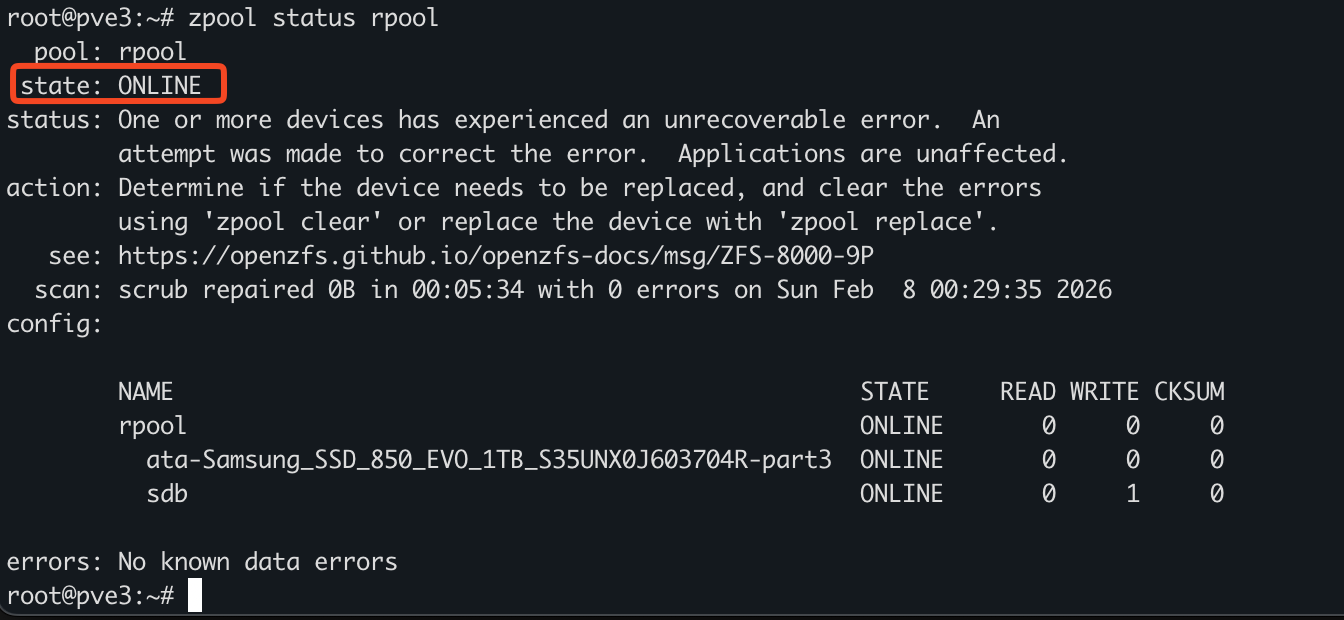
Abstract Dedicated to ZFS administration. Zpool Administration Basic Commands zpool list zpool list <name> zpool list -v zroot zpool status -x Creating Pools and VDEVs Make sure ashift is 4k, vfs.zfs.min_auto_ashift=12 Select disks (da1, da2, da3) ls -al /dev/ | grep da crw-r----- 1 root operator 0x5a Nov 14 02:51 da0 crw-r----- 1 root operator 0x5b Nov 14 02:51 da0p1 crw-r----- 1 root operator 0x5c Nov 14 02:51 da0p2 crw-r----- 1 root operator 0x5d Nov 14 02:51 da0p3 crw-r----- 1 root operator 0x6a Nov 15 18:46 da1 crw-r----- 1 root operator 0x6d Nov 15 18:46 da2 crw-r----- 1 root operator 0x70 Nov 15 18:46 da3 We can create a disk, provide it 1gb of swap, and label it. The labels should correspond to device serial numbers and location in production so it’s easy to swap out. GB swap partition and a large ZFS partition, created with gpart(8). gpart create -s gpt da1 gpart add -a 1m -s1g -l sw1 -t freebsd-swap da1 gpart add -a 1m -l zfs1 -t freebsd-zfs da1 gpart create -s gpt da2 gpart add -a 1m -s1g -l sw2 -t freebsd-swap da2 gpart add -a 1m -l zfs2 -t freebsd-zfs da2 gpart create -s gpt da3 gpart add -a 1m -s1g -l sw3 -t freebsd-swap da3 gpart add -a 1m -l zfs3 -t freebsd-zfs da3 gpart create -s gpt da4 gpart add -a 1m -s1g -l sw4 -t freebsd-swap da4 gpart add -a 1m -l zfs4 -t freebsd-zfs da4 gpart create -s gpt da5 gpart add -a 1m -s1g -l sw5 -t freebsd-swap da5 gpart add -a 1m -l zfs5 -t freebsd-zfs da5 gpart show -l <device> glabel status zpool create <pool-name> /dev/label/zfs1 /dev/label/zfs2 /dev/label/zfs3 Fix Degraded Pool Here we see the state is DEGRADED ...

February 20, 2026
Git DNS

How I manage my DNS with Terraform and Cloudflare!

Intro Hey Everybody, Happy New Year! This is my first post of 2026, and I’m excited to share how I currently manage DNS. DNS is definitely something you need to be intentional with. It’s simple to launch VMs or services in your network, and have them floating around without a proper DNS record. While this might be acceptable for a temporary service, it is best practice to set a DNS record for anything permanent. ...

January 3, 2026
Fail2ban dashboard

Fail2ban Observability

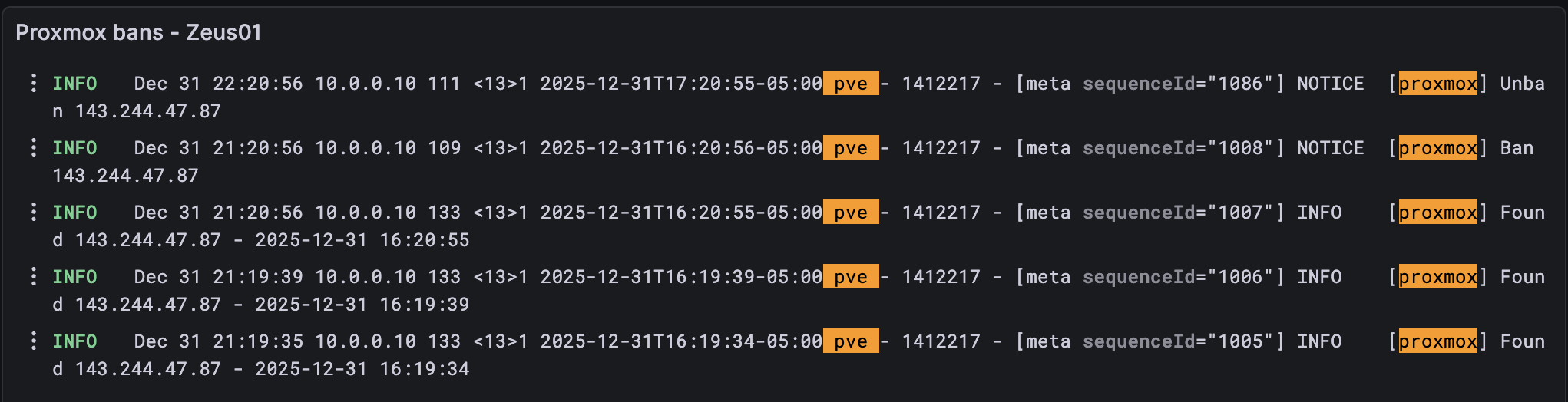
Hello everyone! Today I wanted to discuss how I’m keeping track of Fail2ban logs on my Proxmox cluster. For those of you who don’t know what Fail2ban is, it is a simple program that can automatically ban threats via iptables by parsing log files and scanning for regex patterns. Here is a sample file that can be parsed: [Definition] failregex = pvedaemon\[.*authentication failure; rhost=<HOST> user=.* msg=.* ignoreregex = And here is the the jail configuration: ...

December 31, 2025
BGP Neighbor

Simulate BGP at Home

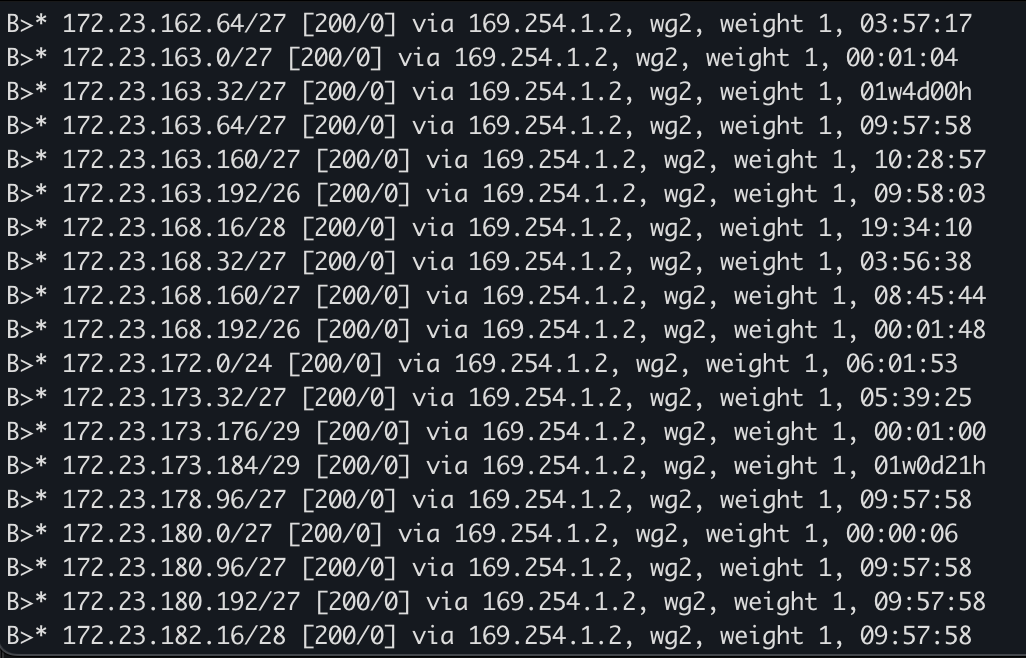
Hi everyone, If you’re like me, there are tons of technologies that you work with on a day-to-day basis, but never have the opportunity to touch. In my day-to-day role, for example, I work heavily with networking and even with BGP. But rarely do I have the chance to do anything BGP-related as it pertains to the internet. It’s quite the dilemma! How is one supposed to get the experience of operating large-scale networks, if only very few people have the opportunity to work on them? Let alone set them up from scratch! ...

December 9, 2025
GPG

Yubikey for Personal Use

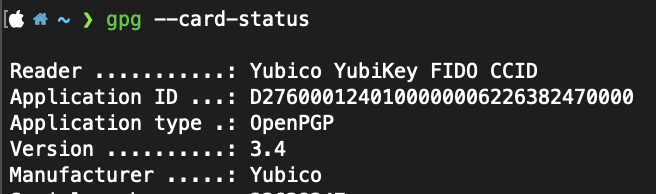
Hey Everyone! I wanted to share a small (pun intended) improvement to my personal security hygiene. That small improvement is called a YubiKey! For those unaware, a YubiKey is a hardware-based MFA device. It supports an MFA standard known as FIDO2, which is much more secure than TOTP. I’ve begun implementing this across various applications including my personal email, DNS provider, and even 1Password. The main draw for me is that if any of your authenticator apps are compromised, you are still susceptible to a hack. ...

November 24, 2025
1Password

What is Your Favorite Password Manager?

What are your favorite password managers? I used to use LastPass, and while it worked fine for me, I eventually switched to 1Password and haven’t looked back. What I really like about 1Password is the extra layers of authentication. You either need a secret key or another authenticated device to approve your login. Plus, you can stack that with MFA for even more security. Last I checked, LastPass doesn’t have a secret key, just MFA. ...

August 9, 2025
IPv6 Ping

IPv6 at Home

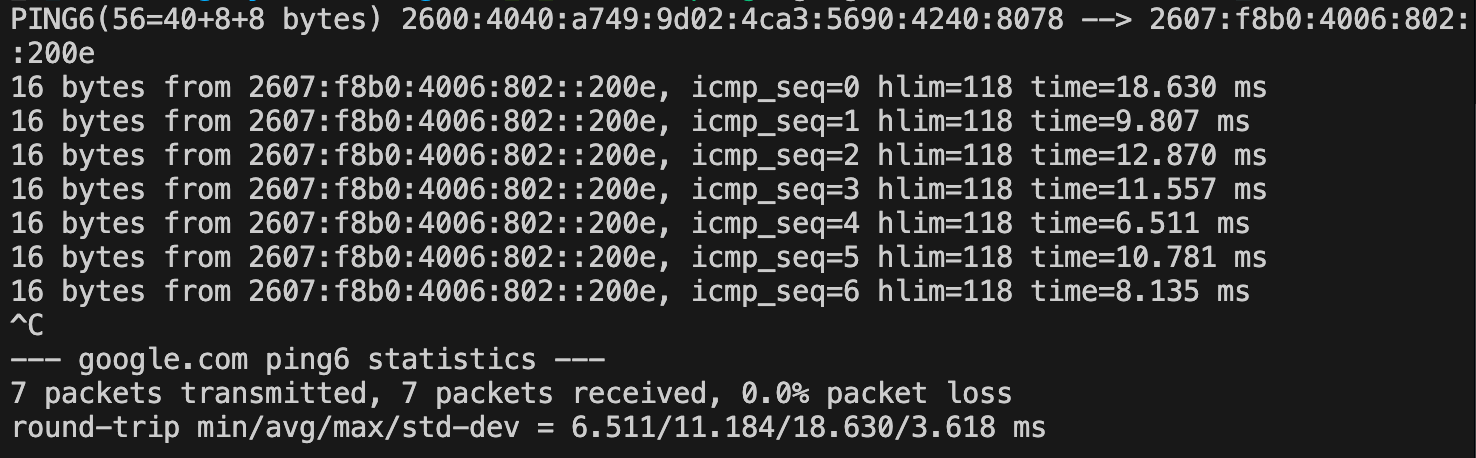
Hi Folks, I’ve finally made the transition to using IPv6 at home! It’s been a long time coming, and while it took a few weeks to get everything working, I’m excited for this new chapter. I requested a /56 from Verizon, and at first, it didn’t seem to work. But after not checking for a while, I noticed some of my VLANs had started handing out IPv6 addresses! ...

July 11, 2025
Diagram

Relocating My Homelab

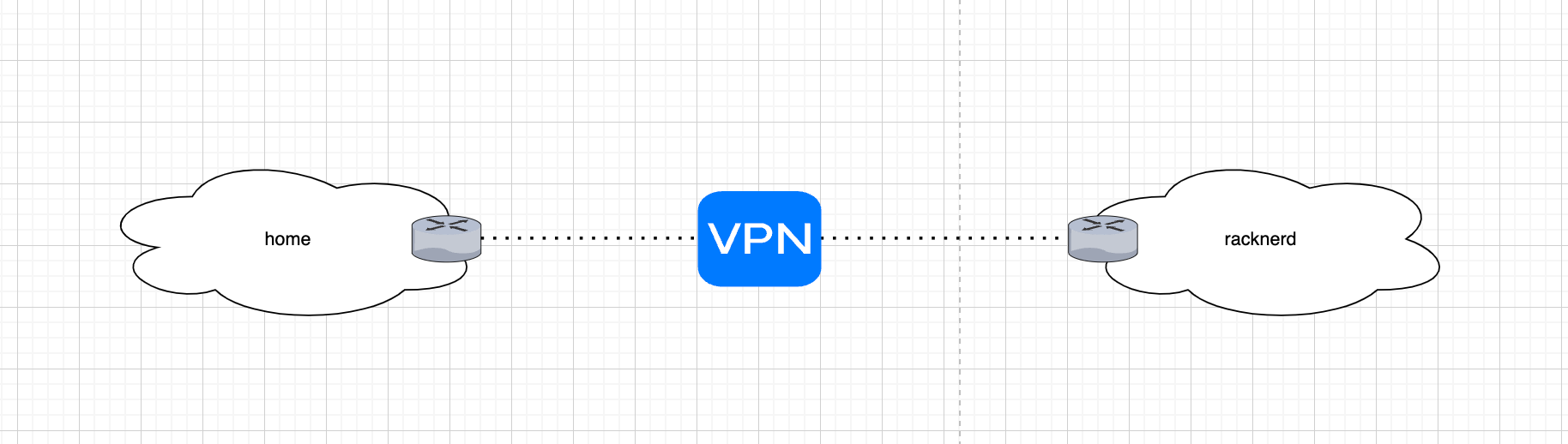
Hey all, I recently decided to purchase a dedicated server from RackNerd with the goal of hosting my homelab services remotely. Previously, I ran a high-availability Proxmox cluster out of my one-bedroom apartment in NYC, powered by a few Dell Optiplex 4090s. A few months ago, I moved into a new place and had to decommission that setup. Since my new setup is remote, it presented a few challenges: How am I going to administer my lab? How can I secure it? What services will I host? ...

April 5, 2025
DN42 NAT

My NAT Setup for DN42

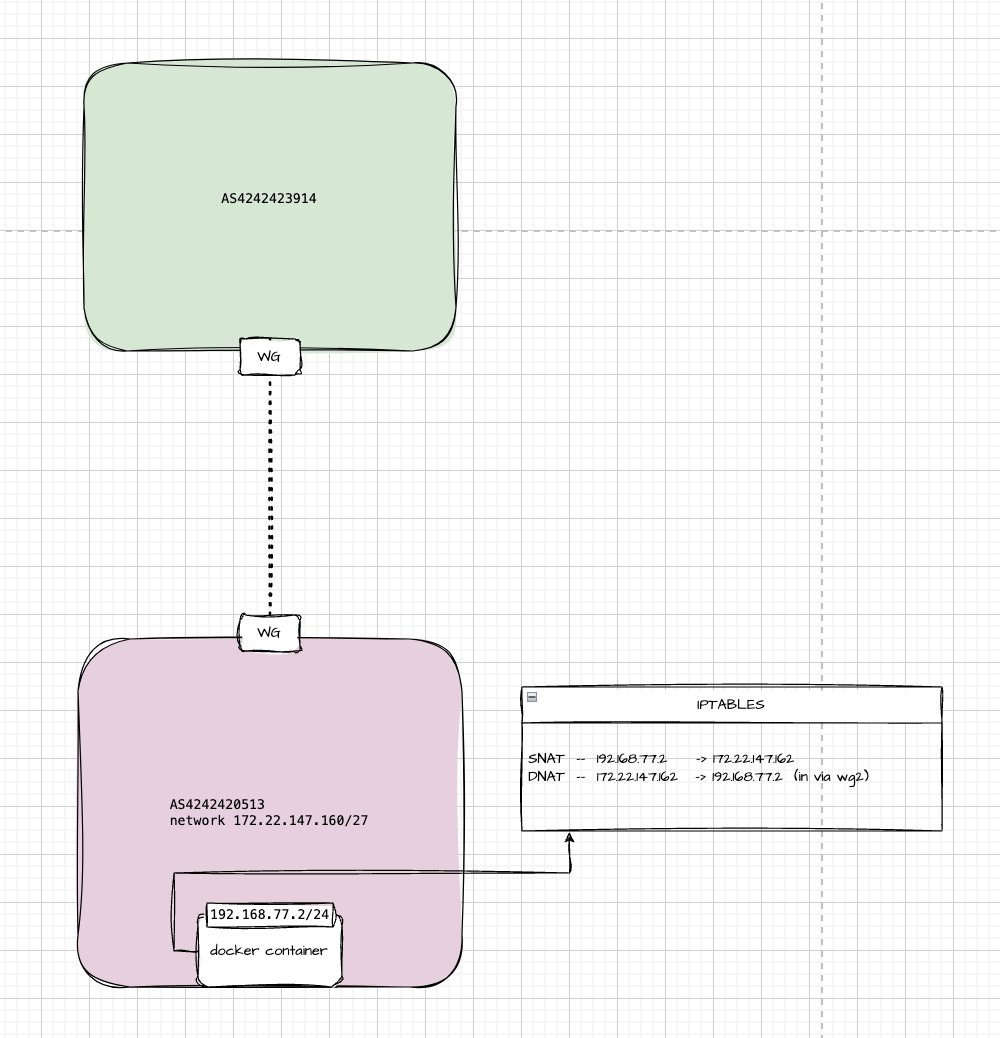
Hey folks, Quick tip for anybody using DN42. If you’re having an issue making your services reachable on the network you can copy something similar to what I’m doing. In my lab, I’m running plain Docker, with a container that has a private IP of 192.168.77.2. To make it reachable from a remote peer over WireGuard, I’m using two NAT rules: one for SNAT and one for DNAT. Why? Because in the DN42 overlay network, only IPs in the 172.20.0.0/14 range are routable. My little slice is 172.22.147.160/27. The whole setup is similar to your home internet with RFC1918 addresses meaning you need to heavily rely on NAT. ...

March 26, 2025