Intro
Hey Everybody,
Happy New Year! This is my first post of 2026, and I’m excited to share how I currently manage DNS.
DNS is definitely something you need to be intentional with. It’s simple to launch VMs or services in your network, and have them floating around without a proper DNS record. While this might be acceptable for a temporary service, it is best practice to set a DNS record for anything permanent.
Setup
If you’re like me, then nothing is worse than needing to do things manually. Especially the extremely tedious task of clicking my way through Cloudflare’s portal and updating DNS by hand!
Luckily I’ve been able to navigate around this, please follow along below as I elaborate how:
- Cloudflare
Cloudflare is paramount to me, it is where I host all of my domains. While I do run a local DNS server, this is for performance reasons, and not for management of my DNS records. Another bonus is it provides me an API that I can use to programmatically create DNS records.
- Terraform
Terraform is the core component behind my DNS management. Terraform provides me a smooth, effortless method to automate the creation of my DNS records. I save my .tfstate file in an S3 bucket, but all my code is tracked via source control, which is extremely useful.
- CI/CD
Finally, I use CI/CD to tie it all together. My CI/CD pipeline is just a modest GitHub runner workflow. This enables me to run a few trivial checks (mainly linting) as well as retrieving my Cloudflare API token supplied as a secret in GitHub. Terraform then utilizes this secret to access Cloudflare and update DNS on my behalf!
Here is a high-level diagram of the flow:
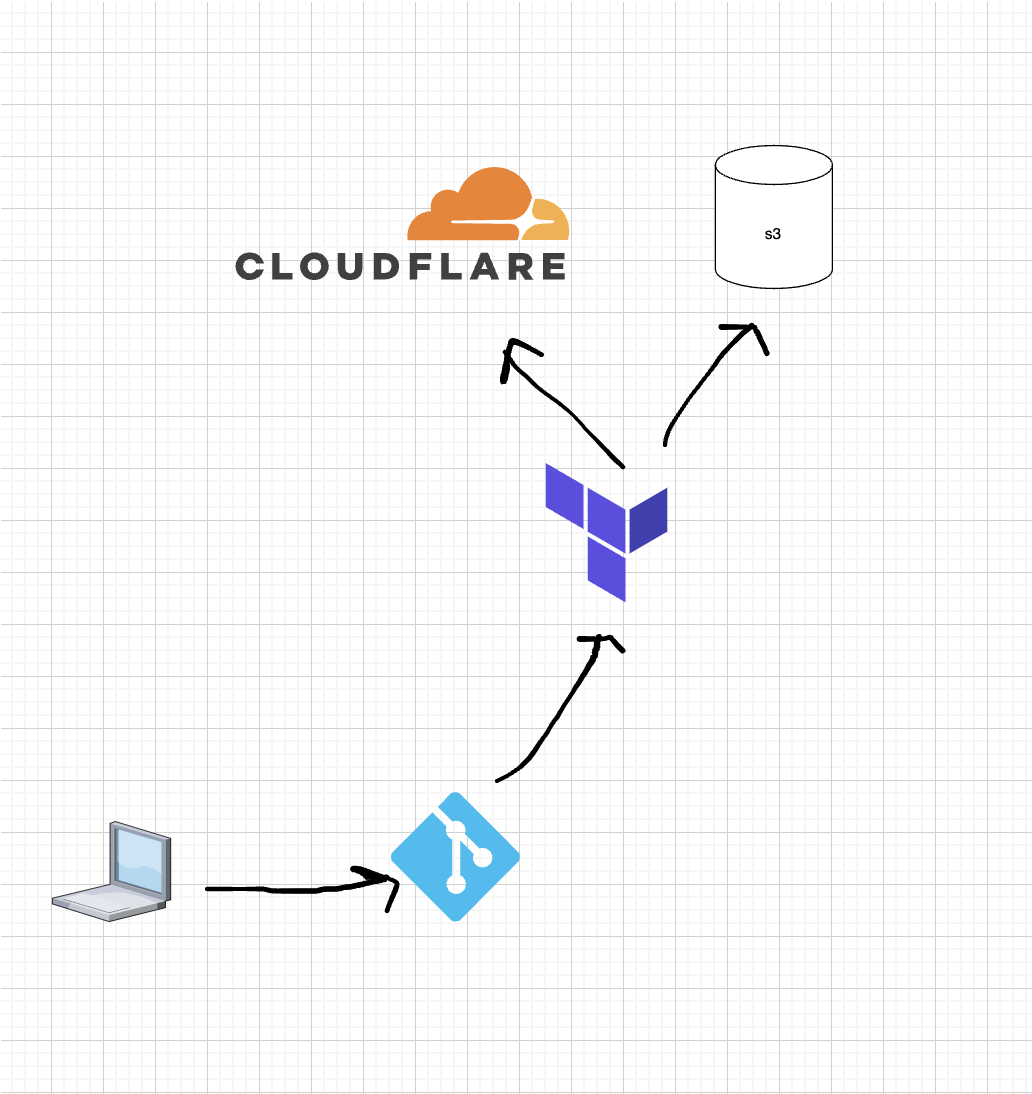
While I won’t go into all the details of my Terraform code, I created a module that leverages Cloudflare’s DNS Provider. I can easily update the main.tf on a per zone basis and provision records for each zone(domain) hosted on Cloudflare.
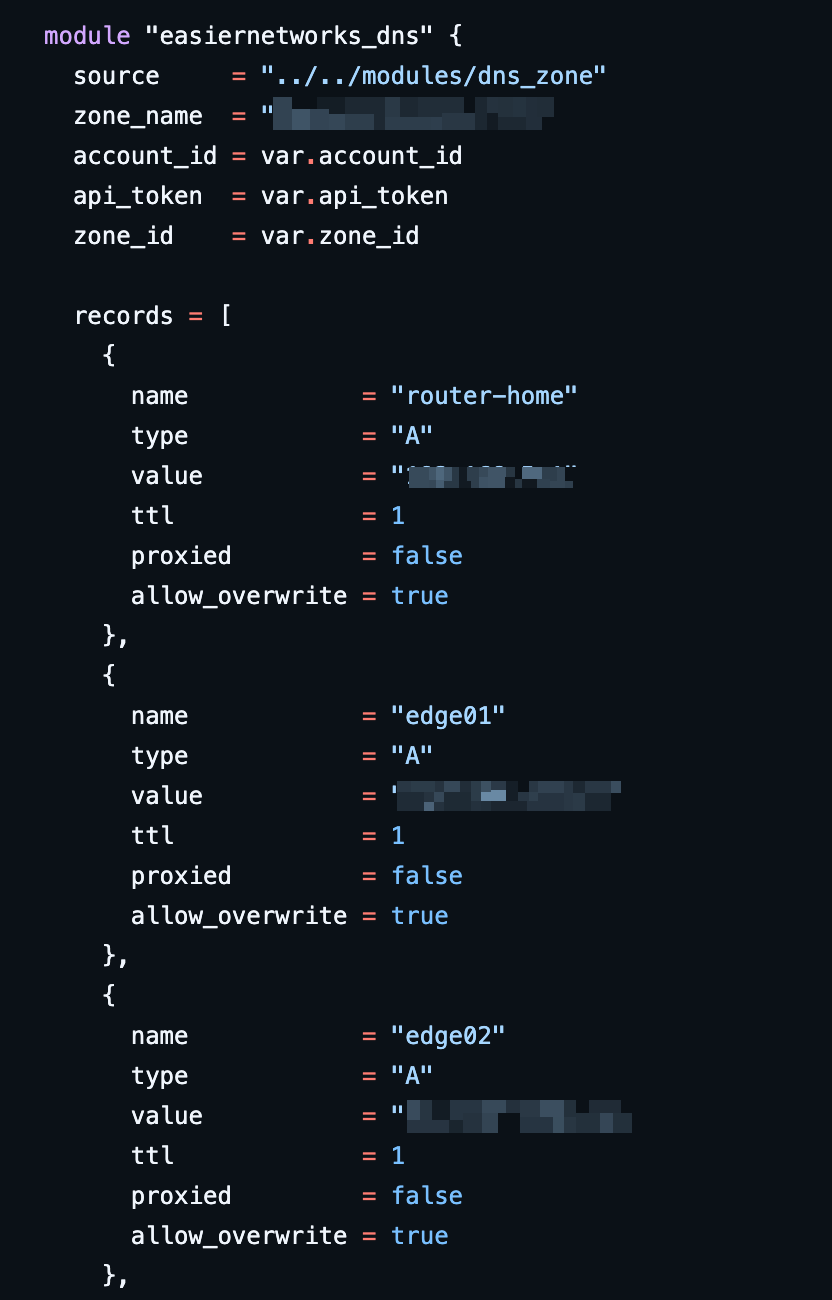
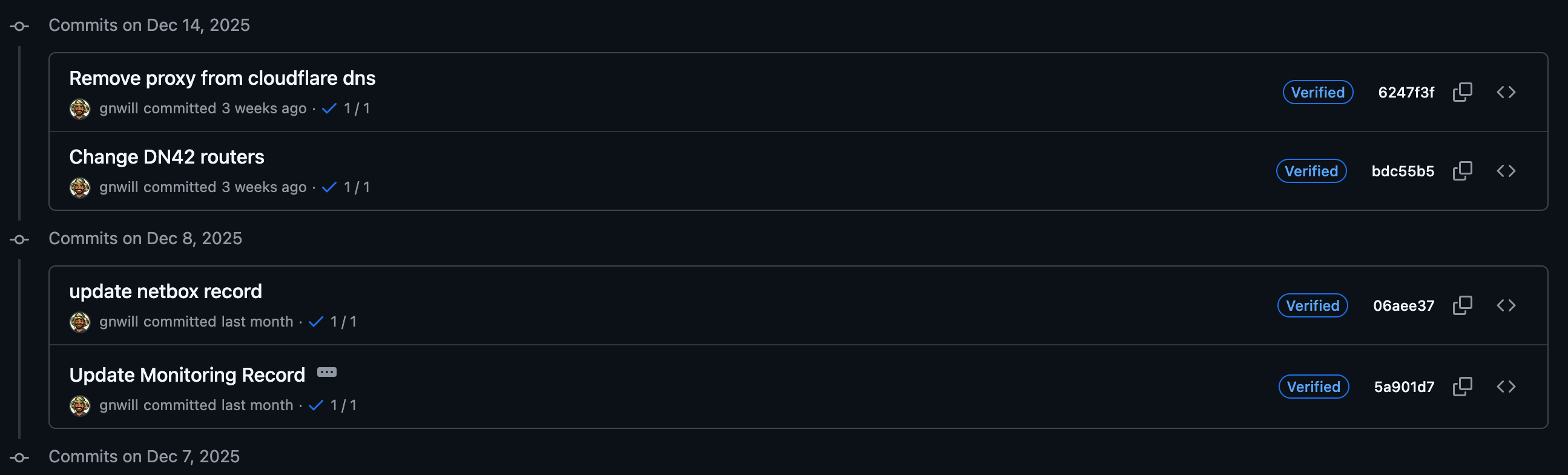
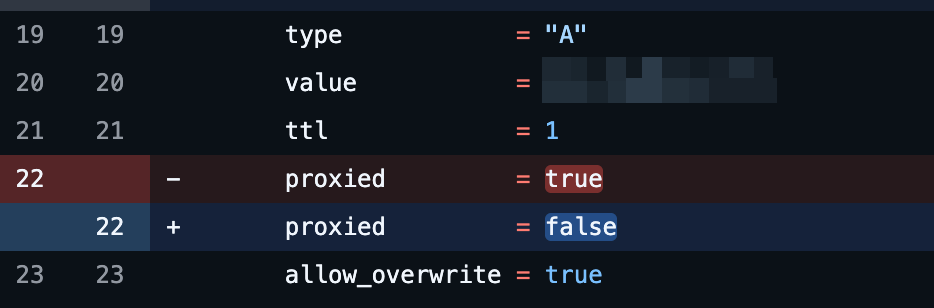
An additional benefit is that everything is tracked in git. Each change must go through a CI/CD check and even though it’s only me who manages this at home, in a production environment you might have several developers committing changes to DNS at a time.
Here is my GitHub Actions workflow. It is extremely straightforward, but checks off all my boxes!
name: Terraform CI/CD

on:
  push:
    branches:
      - main
      - master

env:
  TF_IN_AUTOMATION: true

jobs:
  terraform:
    name: Terraform Fmt → Plan → Apply
    runs-on: ubuntu-latest

    env:
      TF_VAR_api_token: ${{ secrets.CLOUDFLARE_API_TOKEN }}
      AWS_ACCESS_KEY_ID: ${{ secrets.AWS_ACCESS_KEY_ID }}
      AWS_SECRET_ACCESS_KEY: ${{ secrets.AWS_SECRET_ACCESS_KEY }}

    steps:
      - name: Checkout repository
        uses: actions/checkout@v4

      - name: Setup Terraform
        uses: hashicorp/setup-terraform@v3
        with:
          terraform_version: 1.9.8

      - name: Terraform Init
        working-directory: dns/zone
        run: terraform init -backend-config="access_key=${{ secrets.AWS_ACCESS_KEY_ID }}" -backend-config="secret_key=${{ secrets.AWS_SECRET_ACCESS_KEY }}"

      - name: Terraform Fmt Check
        working-directory: dns/zone
        run: terraform fmt -check -recursive

      - name: Terraform Validate
        working-directory: dns/zone
        run: terraform validate

      - name: Terraform Plan
        working-directory: dns/zone
        env:
          CLOUDFLARE_API_TOKEN: ${{ secrets.CLOUDFLARE_API_TOKEN }}
        run: terraform plan -out=tfplan

      - name: Terraform Apply
        working-directory: dns/zone
        env:
          CLOUDFLARE_API_TOKEN: ${{ secrets.CLOUDFLARE_API_TOKEN }}
        run: terraform apply -auto-approve tfplan
Summary
At the end of the day, managing DNS is a huge PITA. That being said, with the help of some automation, we can make our lives a lot easier!